Your clients book online, straight into your calendar.
SkyTarget's online booking lets your clients book on your booking link, or on your clinic's website from the Pro plan, by treatment, by practitioner or at the first open time. A 6-digit text code verifies every booking, and the appointment shows up in your calendar with no re-entry. Your client gets the confirmation by text.
Included from the Essentiel plan: $39 per month, no contract.
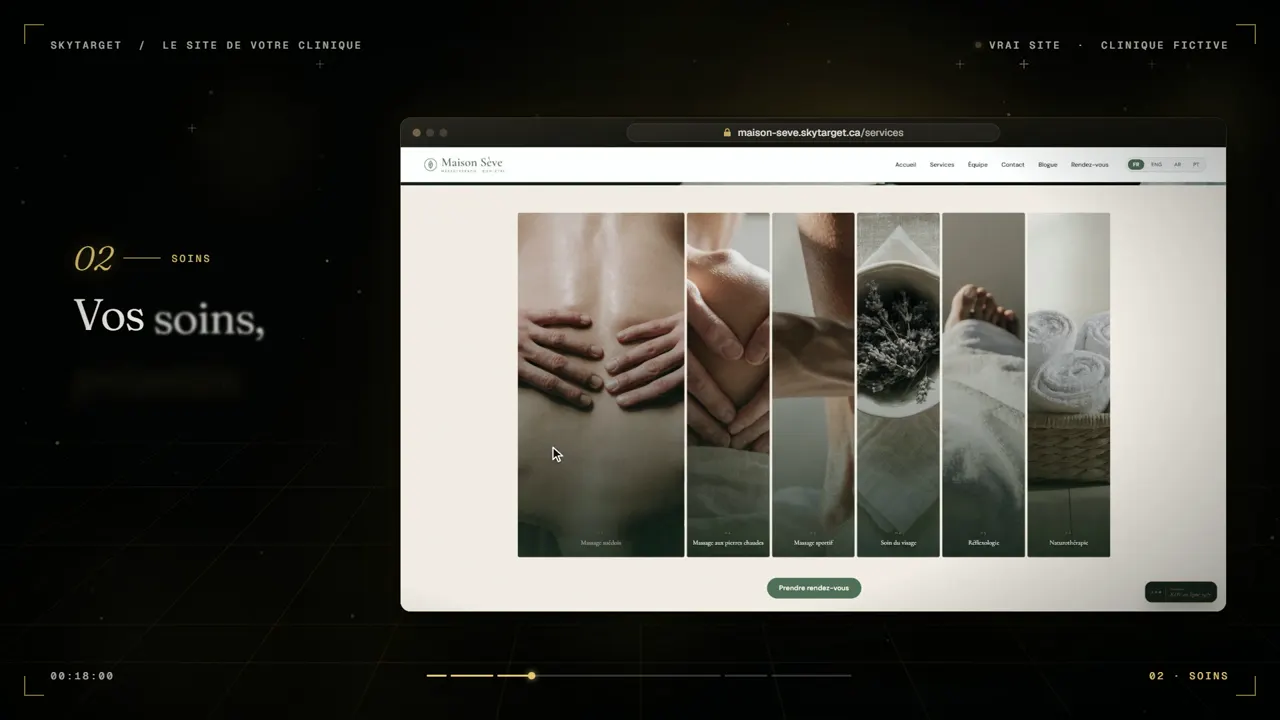
What your clients see when they book
- Three ways to start. By treatment, by practitioner, or at the first open time, depending on what your client has in mind.
- Clear prices. Prices are shown taxes included, with a price per practitioner and “starting at” when they differ. You can also hide prices.
- Your promotions. As a percentage or a set price, with the old price crossed out.
- Add-ons. Your client ticks the add-ons they want, and the total follows.
- The treatment's description and photo. So they choose with confidence, with your treatments grouped by family, for example massage therapy from 30 to 120 minutes.
- Two-practitioner sessions. A four-hands or tandem massage can also be booked online, with both practitioners named.
A booking, step by step
- 1The treatmentYour client picks the treatment and any add-ons. A question with only one possible answer is skipped.
- 2The practitioner and the timeThey only see open times, never other clients' appointments or names.
- 3The text codeThey get a 6-digit code, valid for 5 minutes, with up to 5 tries. A returning client goes through the code just like a new one.
- 4Their nameThey give their first and last name; email is optional.
- 5BookedThe appointment is written in your calendar, and the confirmation goes out by text.
You stay in control
- Your booking window. From 2 weeks to 6 months (3 months by default), the same rule on the website, in the app, with Diana and with Élise.
- One code, one booking. Each text code works for a single booking only.
- On a phone or a computer. On a phone, one question per screen; on a computer, a grid of open times.
- The client's choice. The booking button only shows what you offer: book on the website, chat with Diana, or call Élise with the Signature plan.
What online booking doesn't do
It doesn't take a payment or a deposit at booking.
The opening hours shown on your website are for information: your practitioners' schedules decide which times are offered. And treatment photos are added by our team, not from your dashboard.
Frequently asked questions
How is each booking verified?
With a 6-digit text code sent to the client's phone, valid for 5 minutes, with up to 5 tries. A code works for one booking only.
Do my clients see prices?
Yes, taxes included, with a note under each taxable treatment saying so. You can also choose to hide prices.
Can clients pay online when they book?
No. SkyTarget's online booking doesn't take a payment or a deposit.
Can Diana book too?
Yes, from the Pro plan. Diana, your website's chat, books into your calendar with the same text code.
What about the Essentiel plan?
You get your booking link: a page in your name where clients book straight into your calendar, with the same text code. You put it in your Instagram bio, on your Facebook page and in your Google Business Profile. The full website and Diana start with the Pro plan.
Which plan includes online booking?
From the Essentiel plan: $39 per month, plus taxes, with no contract.